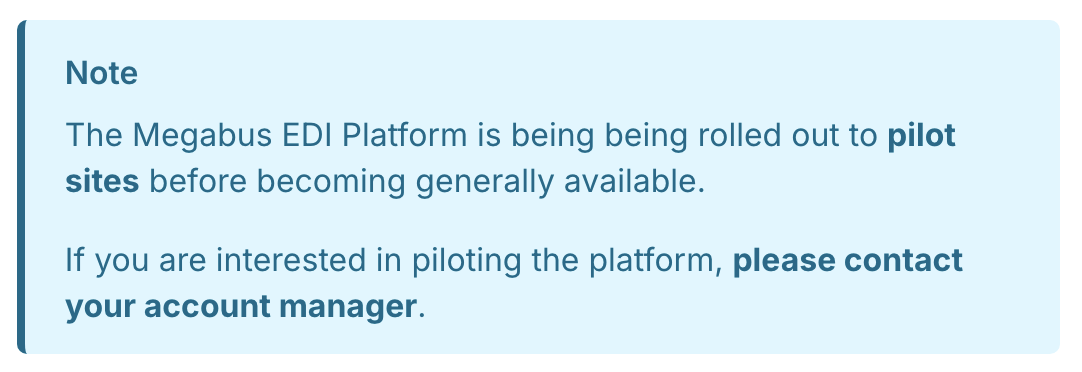
The Megabus EDI Platform is being being rolled out to pilot sites before becoming generally available.
If you are interested in using the platform, please contact your account manager.
ss?
Where available, items include the pricing suppliers offer for your account:
Pricing can differ between branches It is specific to your account with each supplier.
The EDI Platform can also be integrated with Vehicle Logic, enabling automatic item creation and updates, based on supplier catalogues:
However, Vehicle Logic adds items without pricing, since it is not a supplier you can order from, so there is no supplier inventory or purchase order workflow associated with it.
To enable EDI item creation, please contact the Megabus Support Team.
What is available varies by supplier. Some integrations add items without pricing and do not support EDI ordering or supplier inventories.
Item Updates
An initial import adds items, catalogue items and pricing details.
Marlin then automatically checks suppliers each morning for new and updated items:
- Pricing changes are updated
- New products are added as items automatically
Matching Item Codes
The import checks for existing items to avoid adding duplicates.
For existing items to be matched, their item codes must match the suppliers' codes.
If branches have used their own codes: The import cannot tell they are the same products and adds additional items, creating duplicates.
Update Notifications
Emails detailing item changes can be automatically sent to specified recipients with each update.
These emails can be used to review new products and pricing changes (e.g. you may want to set sell prices on newly added items).
If there are no changes, no emails will be sent.
SS?
To set email recipients:
- Open System > Company > Integration Partners
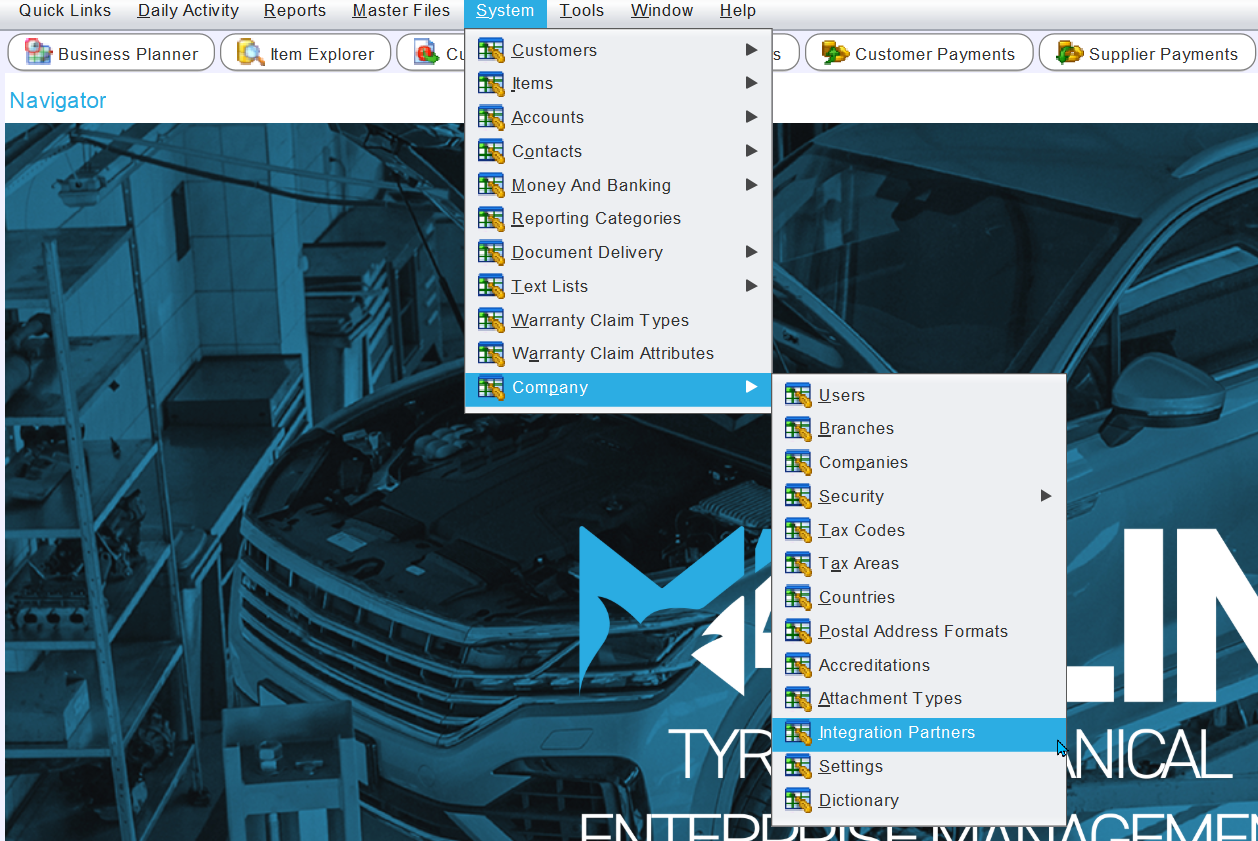
- Open the Megabus EDI Platform integration in edit mode

- Edit the following fields in the Settings section:
- Notification Recipients: Enter recipient email address(es)
(separate multiple addresses with commas) - Email Source: Select the branch whose email address the emails should be sent from
(e.g. head office or main store)
- Notification Recipients: Enter recipient email address(es)
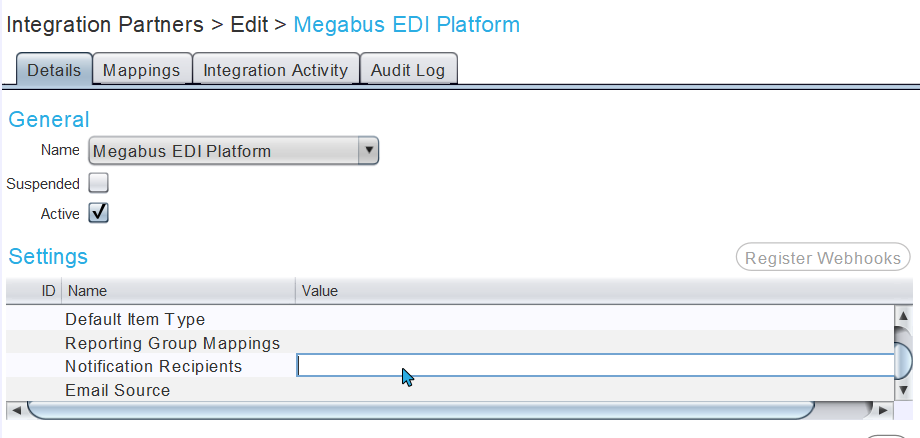
You may need to scroll down the Settings section to reveal these fields.
Reporting Group Mappings
System > Company > Integration Partners > [Megabus EDI Platform]
The Reporting Group Mappings setting determines the reporting groups that new items are added with.
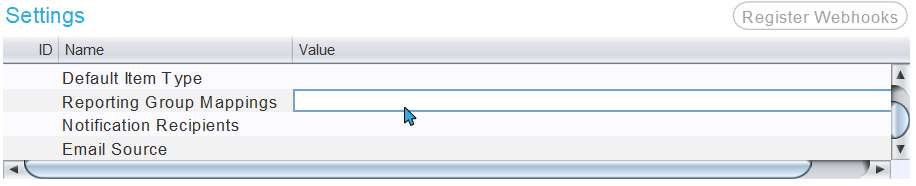
Default mappings are arranged during set up.
However, reporting category mappings set for suppliers override those set for integration partners.
You may therefore want to review item reporting groups after new items are added, and move them to other categories if required.